This guide will show you how to retrieve your dedicated Streamline Connector Store ID (Not your Shopify Store ID).
1. Log into your Shopify admin
2. Get to Streamline Connector app
3. Click Get Orders from the initial Dashboard (See picture below)
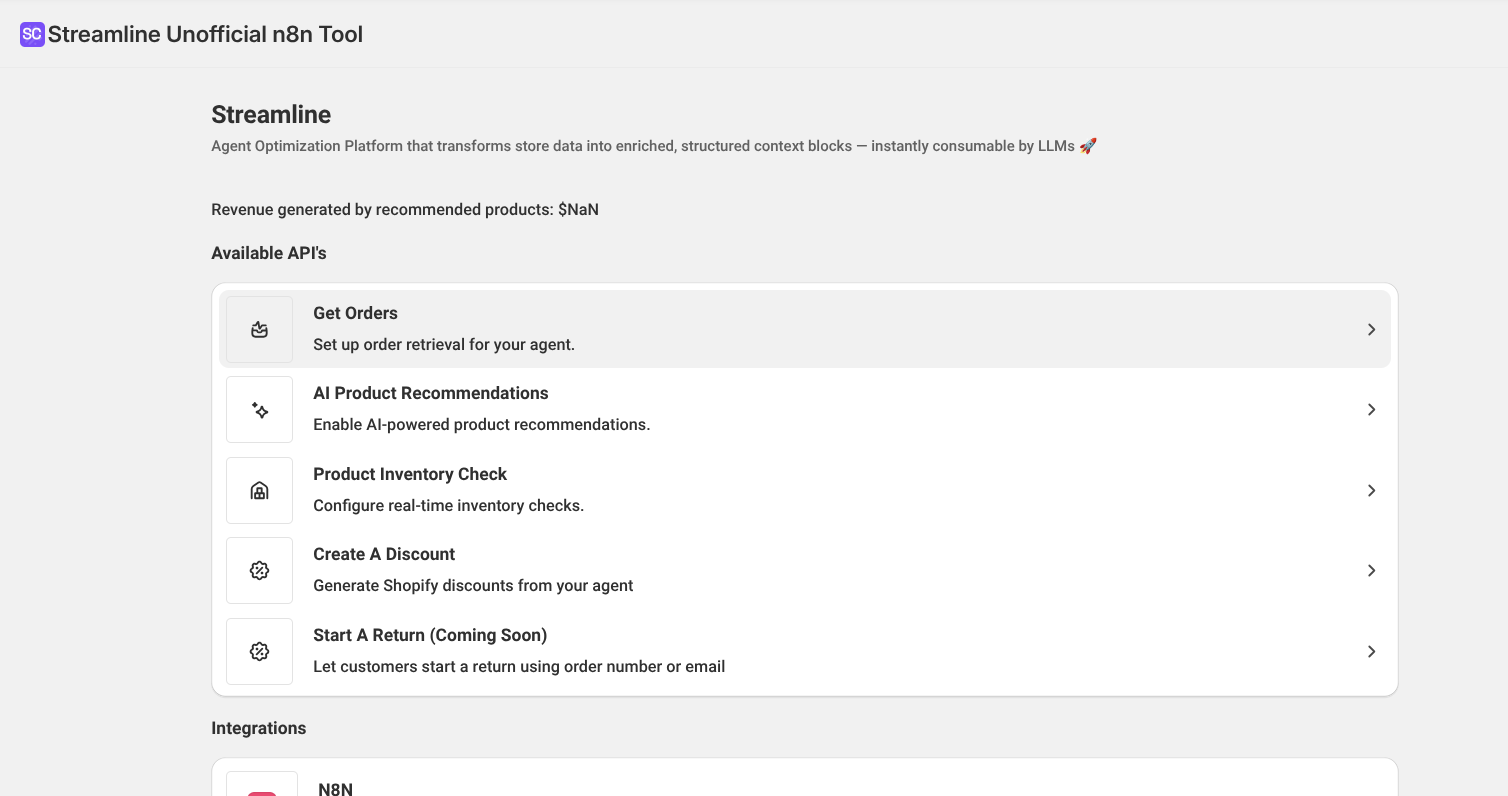
4. Once you're on the Get Orders page, you'll see the Shop ID section. Click copy and you have your Shop ID.

Was this article helpful?
That’s Great!
Thank you for your feedback
Sorry! We couldn't be helpful
Thank you for your feedback
Feedback sent
We appreciate your effort and will try to fix the article